Your Documents Deserve To Look Like Products, Not Homework
For anyone who sells or gives away documents.
Drop a plain Word, text, Markdown, or saved web page file into Lead Magnet PDF Maker and turn it into a designed, branded PDF with a real cover, contents page, chapter structure, your colours, your footer, and your links.
Use it for PLR you bought, guides you wrote, reports you drafted with ChatGPT, Claude, or Gemini, lead magnets, bonus downloads, checklists, and small digital products.
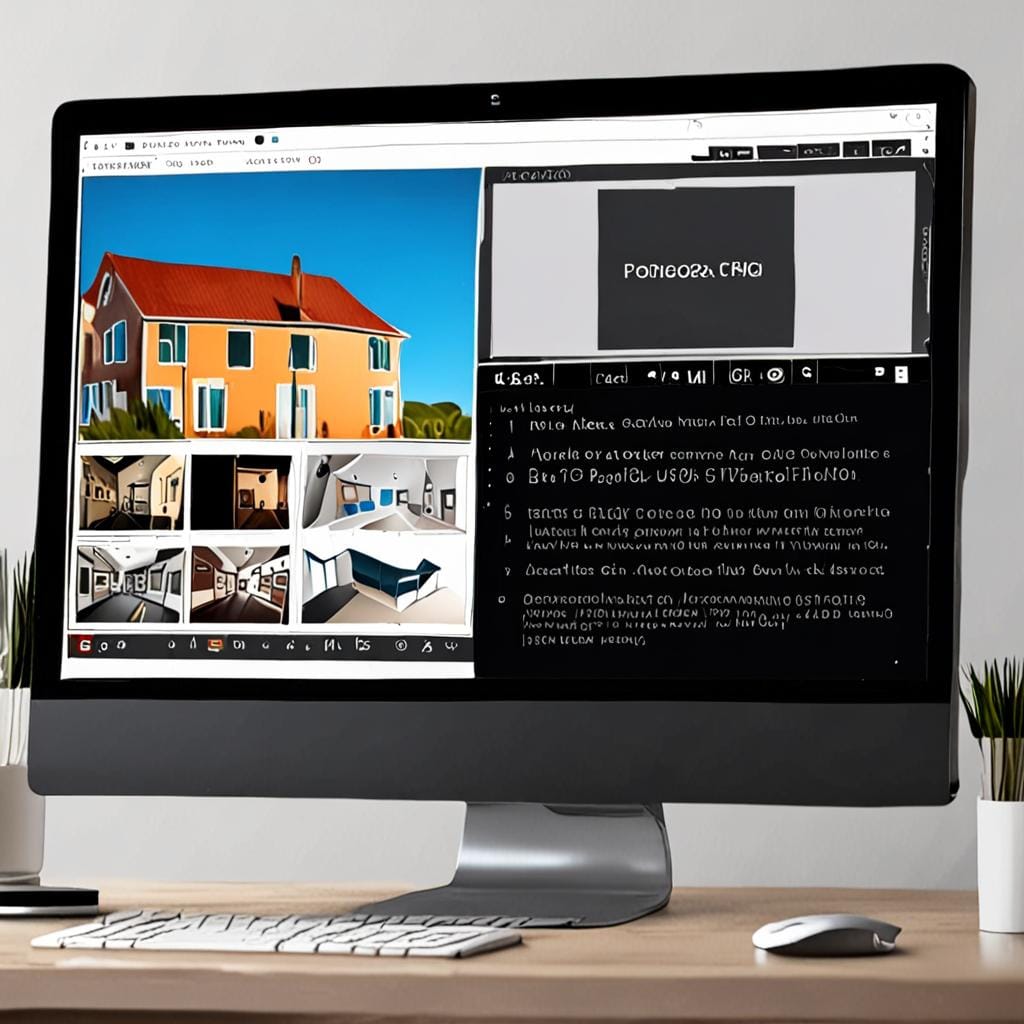
- Instant drop to branded document
- About 2 minutes to a finished PDF
- 5 cover styles
- 14 cover backgrounds
- 8 hand-picked fonts
- 3 ways to export
Runs in your browser on Windows, Mac, and Linux. Nothing to install.
Be Honest: How Many Half-Finished Documents Are Sitting On Your Hard Drive?
PLR packs. Reports. Guides. Drafts AI helped you write. Content you paid for or made yourself. A lot of it is not earning, not growing your list, and not helping your audience because it still looks unfinished.
The reason is almost never the content. The reason is the finish.
- It looks like a Word doc: default font, no cover, no structure, and no product feel
- Formatting eats whole evenings: covers, contents pages, page numbers, chapter breaks, and links take too long by hand
- Designers cost real money: paying for one layout can cost more than the small product or PLR pack itself
Before: What You Start With
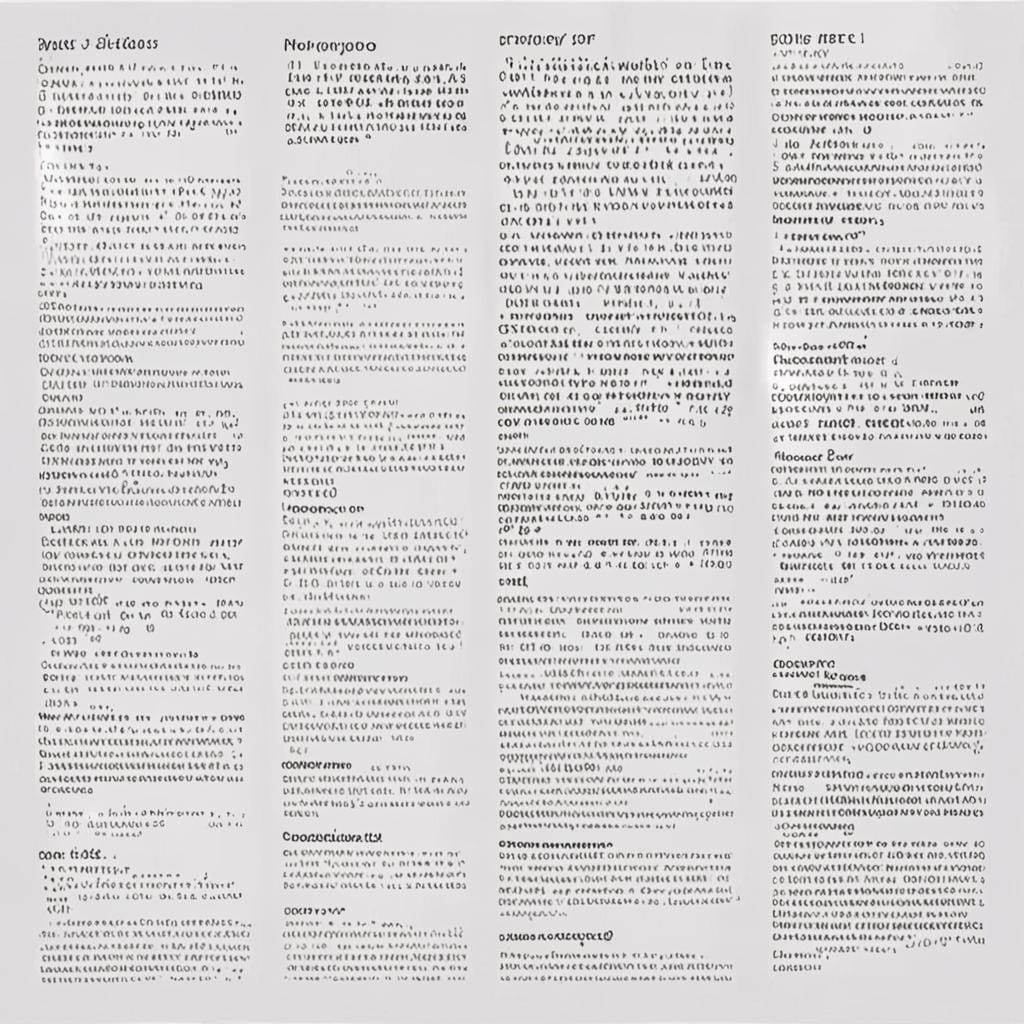
A normal source file may contain good information, but it still looks like a draft. No cover, no visual hierarchy, no chapter rhythm, no final offer page.
After: What You Send Out
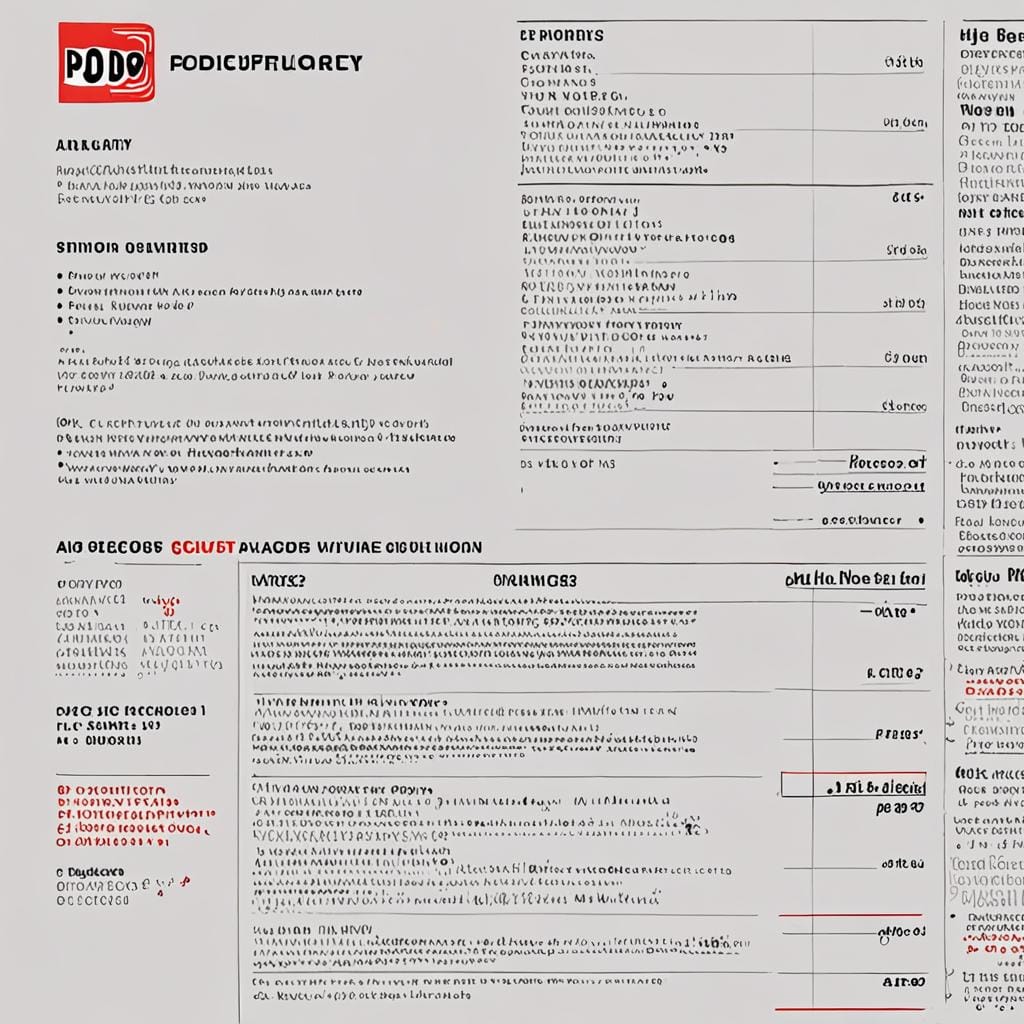
The same document can become a branded PDF with a cover, contents page, chapter styling, footer, links, and a closing page that sends readers to your next step.
AI Can Write The Report. This Makes It Look Worth Keeping.
ChatGPT, Claude, and Gemini can give you twenty pages of useful content quickly, but the raw output is often plain text or Markdown. That last mile between “generated” and “finished product” is exactly where this tool helps.
The quiet advantage is that AI chats already work well with Markdown, one of the file types this tool reads natively. Save the draft, drop it in, choose the design, add your brand and links, and export a reader-ready PDF.

- Use AI drafts as source content when you have the rights to use them
- Turn raw notes into lead magnets and bonus PDFs
- Package simple reports for blog readers, email subscribers, or buyers
- Add your call to action on the final page instead of sending a dead-end download
Three Steps. The Drop Does The Work.
- Drop in a document: Word, plain text, Markdown, or a saved web page
- Pick your look: cover style, backgrounds, fonts, colours, logo, name, and footer
- Download your PDF: print-quality PDF, sharp print version, or self-contained web page
Save your brand once, and the next document opens already wearing it. That matters when you want a full set of lead magnets, bonuses, or small products to feel like they came from the same business.
The Look Tab
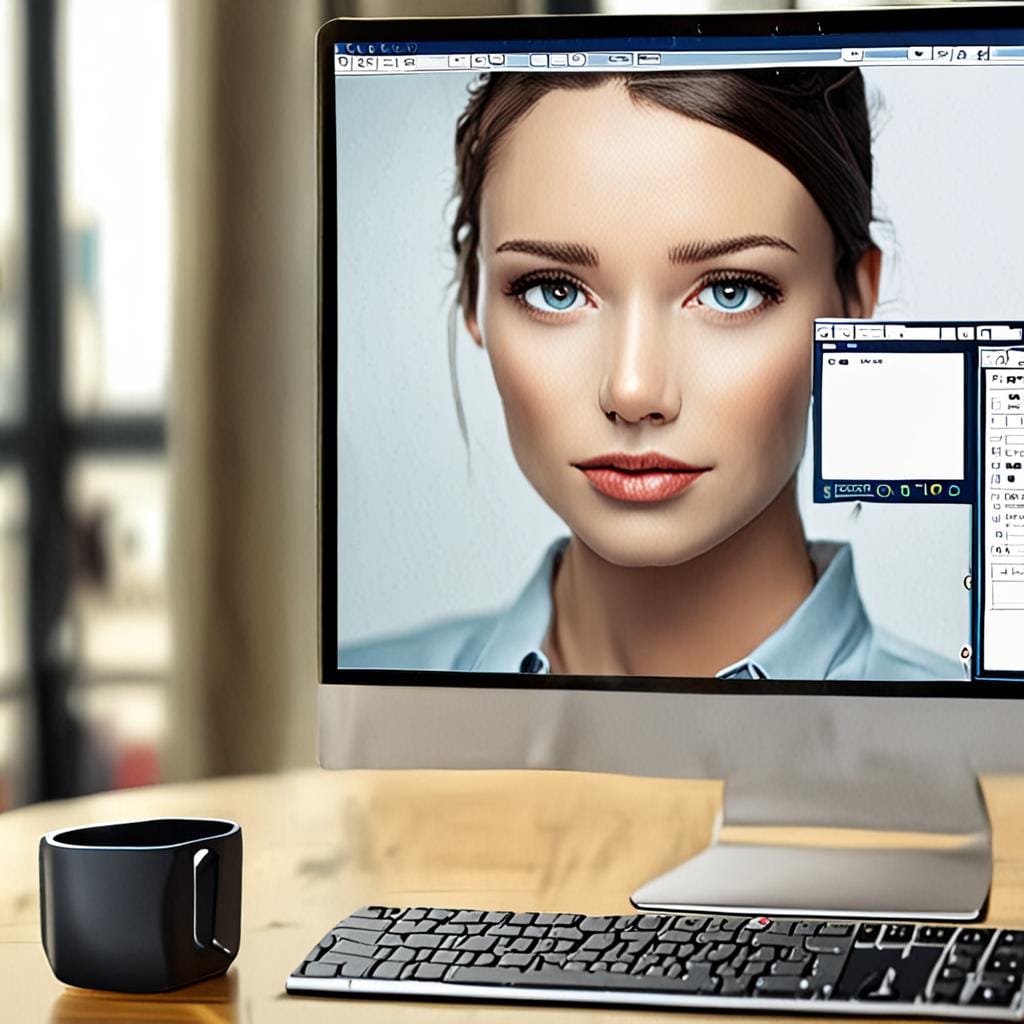
Choose five designed looks, 14 cover backgrounds, 8 heading and body fonts, or your own brand colours. Your house style can be saved so future documents open already dressed.
The Structure Tab
Messy PLR often has headings typed as bold lines instead of real document structure. The structure view helps repair, review, and adjust headings before export.
The Offer And Links Tab
The last page becomes your page: headline, pitch, button, and next step. Web links inside the document can be reviewed and swapped so your PDFs guide readers back to your offer.
The Export Tab
Export a print-quality PDF, use print for the sharpest text, save a self-contained web page, or batch-download loaded documents when you are working through a full folder.
Everything It Does To Every Document You Feed It
- Creates a real cover with multiple cover styles
- Builds a contents page with real page numbers
- Adds your brand name, logo, colours, fonts, footer, and signature
- Creates chapter-style openings with designed section breaks
- Styles tips, prompts, and action steps automatically
- Finds web addresses so you can swap them for your own links
- Adds your offer on the last page with a headline, pitch, and button
- Repairs messy heading structure so rough documents become easier to package
- Supports flowing reports and prompt-card style layouts
- Remembers projects and brand settings in the browser
- Offers optional AI helpers for logos, cover art, and title ideas when you use your own API key
Privacy note: the app runs inside the web page. Your source documents, logo, and client files are handled in the browser workflow instead of being uploaded into a server-side document conversion service.
Launch Price And Delivery
Launch access is $17 one time, with a planned regular price of $27 after the first launch period.
After checkout, the buyer receives the account creation link, access code, login link, and a support note in case anything does not open correctly.
Because this is digital access, sales are final once accessed or downloaded. If the access link, login, or file delivery has a technical issue, support is included so the buyer can get what they purchased.
- Full hosted Lead Magnet PDF Maker access
- Works with Word, text, Markdown, and saved web pages
- Unlimited documents and unlimited PDF exports
- No monthly subscription for the core tool
- Runs in any modern browser
- Bonus reports included as examples
- Delivered immediately after checkout
Not Ready Yet? Use The Bonus Reports As Proof Of Output
The original package includes three short reports that show what finished output can look like: The Ugly Document Payday, The Lead Magnet Goldmine, and The $27 Product Flip.
Use them as examples for your own lead magnets and simple digital products. They also give you ideas for turning documents you already own into useful audience resources.
- Study the covers, contents pages, chapter breaks, and tip boxes
- Use the topics as inspiration for your own free reports
- Show buyers what a finished PDF can look like
- Add an opt-in form later if you want these reports to build your email list before the sale
Fair Questions, Straight Answers
Yes. Add your three-minute demo video near the top of the page so visitors can watch a real document go through the workflow from source file to finished PDF.
It reads Word documents, plain text, Markdown, and saved web pages. It does not read existing PDFs as input; PDF is what comes out, not what goes in.
Yes. AI drafts often copy cleanly into text or Markdown, which makes them a good source format for turning raw content into a branded PDF.
No. You choose a look, enter your brand details, review the structure, and export. The tool handles the cover, contents page, page styling, and final layout.
No. The launch offer is a one-time payment for access to the hosted tool. Optional AI helper features may use your own third-party API key if you choose to use them.
The finished PDFs are yours to use, but selling rights depend on the content you put into the tool. Your own writing and properly licensed PLR are the right fit.
More useful details: It works in modern browsers such as Chrome, Edge, Firefox, Brave, and Safari. It does not create rights for content you do not own. It is best used for your own writing, properly licensed PLR, guides, checklists, lead magnets, and simple buyer bonuses.
Tools For Affiliate Marketing - practical tools, guides, and resources for building cleaner affiliate workflows.