Your Documents Deserve To Look Like Products, Not Homework
Drop a plain Word, text, Markdown, or saved web page file into Lead Magnet PDF Maker and turn it into a designed, branded PDF with a real cover, contents page, chapters, your logo, your footer, and your links.
Be honest: how many half-finished documents are sitting on your hard drive right now?
PLR packs. Reports. Guides. AI-assisted drafts. Content you paid for or made yourself, still earning nothing because it does not look finished enough to share.
Default font, no cover, no structure. People judge the file before they read it, even when the information is useful.
Covers, contents pages, page numbers, chapter breaks, and link cleanup take hours when you do them one document at a time.
Hiring someone to lay out one small report can cost more than the PLR pack, lead magnet, or simple product is worth.
Same document. Seconds apart.
Start with a plain source file. Finish with a branded PDF that feels like something you meant to publish.
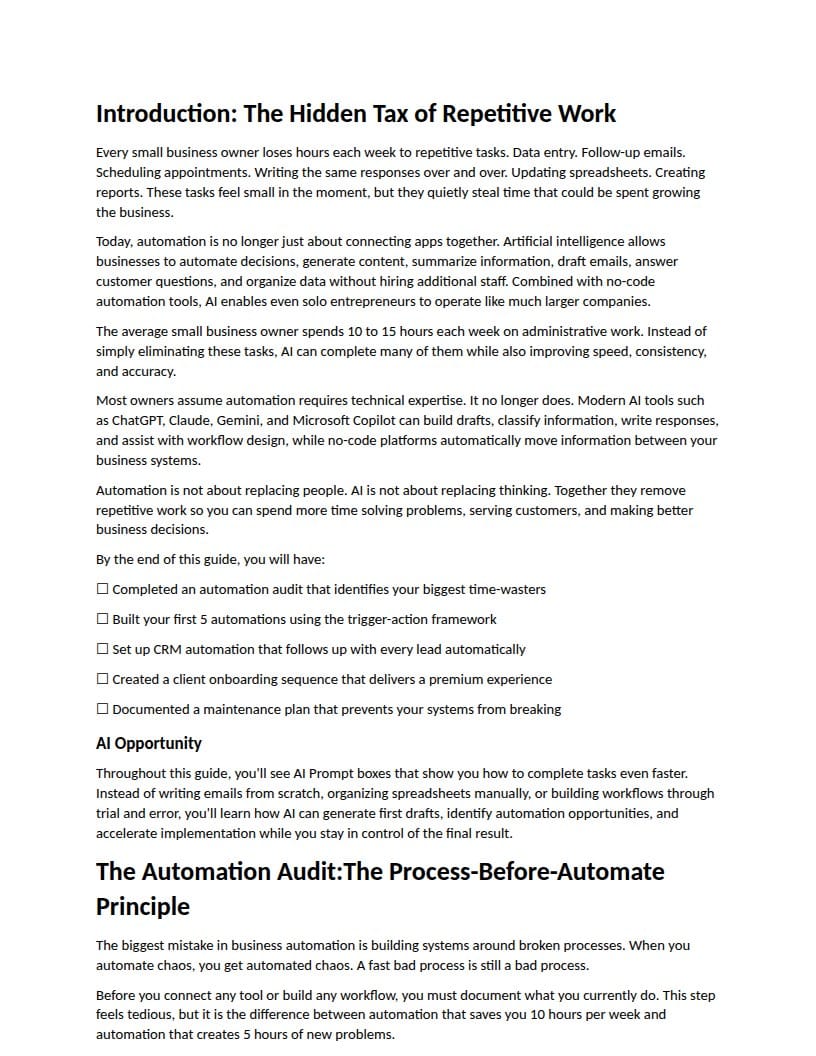
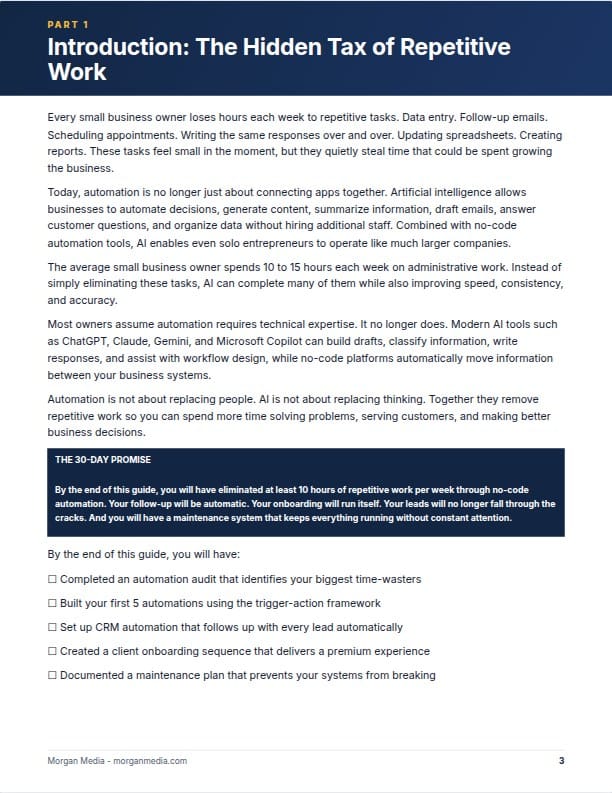
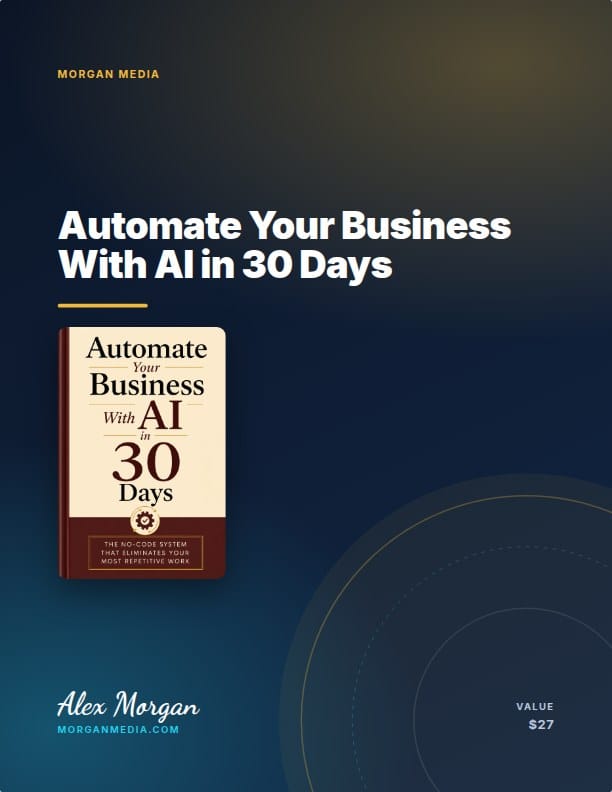
AI can write you a full report in minutes. Making it look worth keeping is the hard part.
ChatGPT, Claude, and Gemini can hand you solid content as plain text or Markdown. Lead Magnet PDF Maker helps with the final packaging step: turning that plain draft into a branded reader-ready PDF.
Three steps. The drop does the work.
Save your brand once, and every document you load can open with the same name, colours, footer, and product feel.
Use Word, plain text, Markdown, or a saved web page, including content you wrote yourself or properly licensed PLR.
Choose a cover style, background, font pair, colours, logo, footer, and final call-to-action page.
Export a finished PDF, sharp print version, or self-contained web page. Use it as a lead magnet, bonus, or small product.
A closer look at what you are getting
Here's what each part of the app actually does..
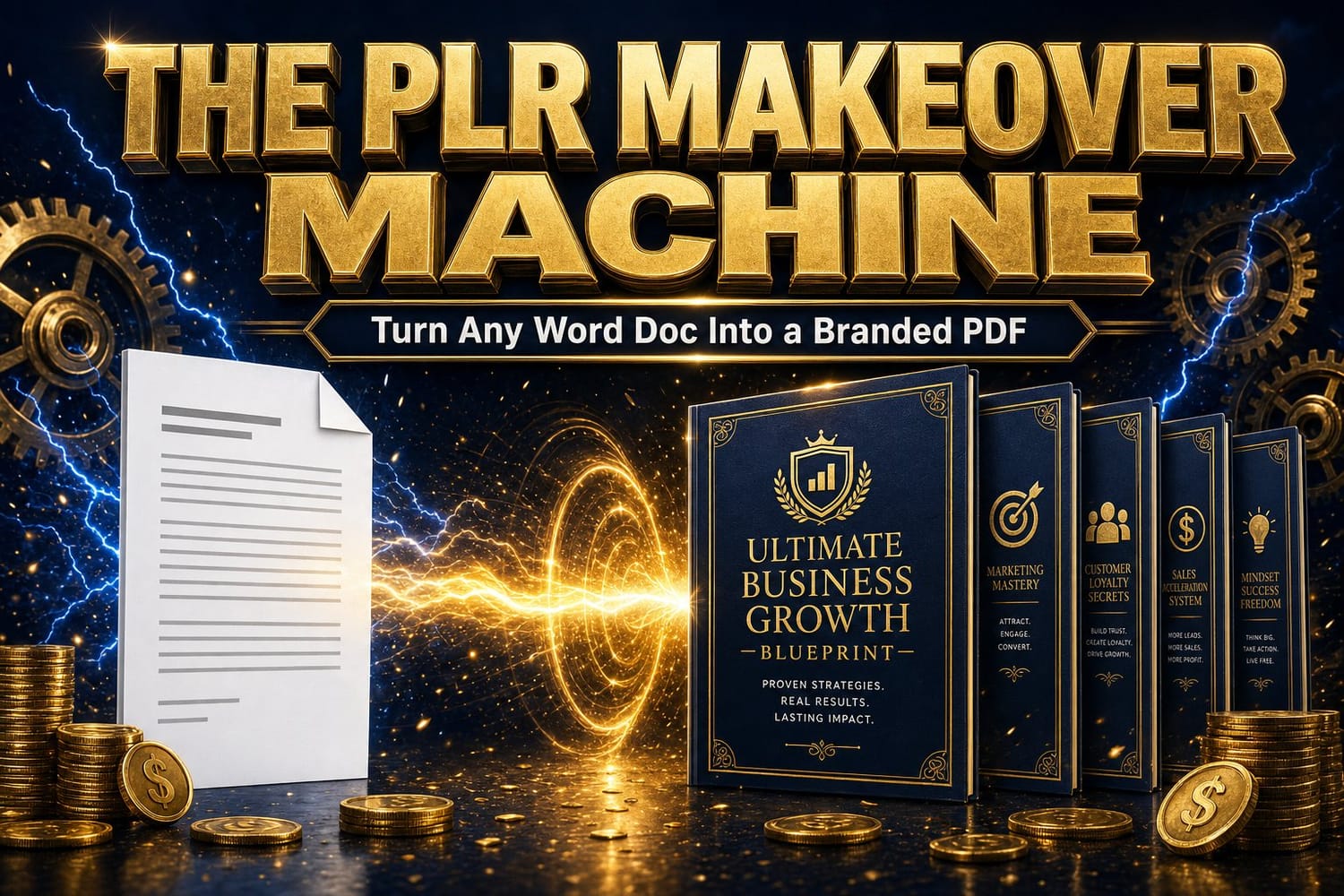
Pick a look. Make it your house style.
Choose ready-made looks, cover styles, drawn backgrounds, fonts, or your own brand colours so every report feels like it came from the same business.
- 5 cover styles and 14 cover backgrounds
- 8 heading and body fonts
- Saved brand settings for future documents
It fixes documents you thought were hopeless.
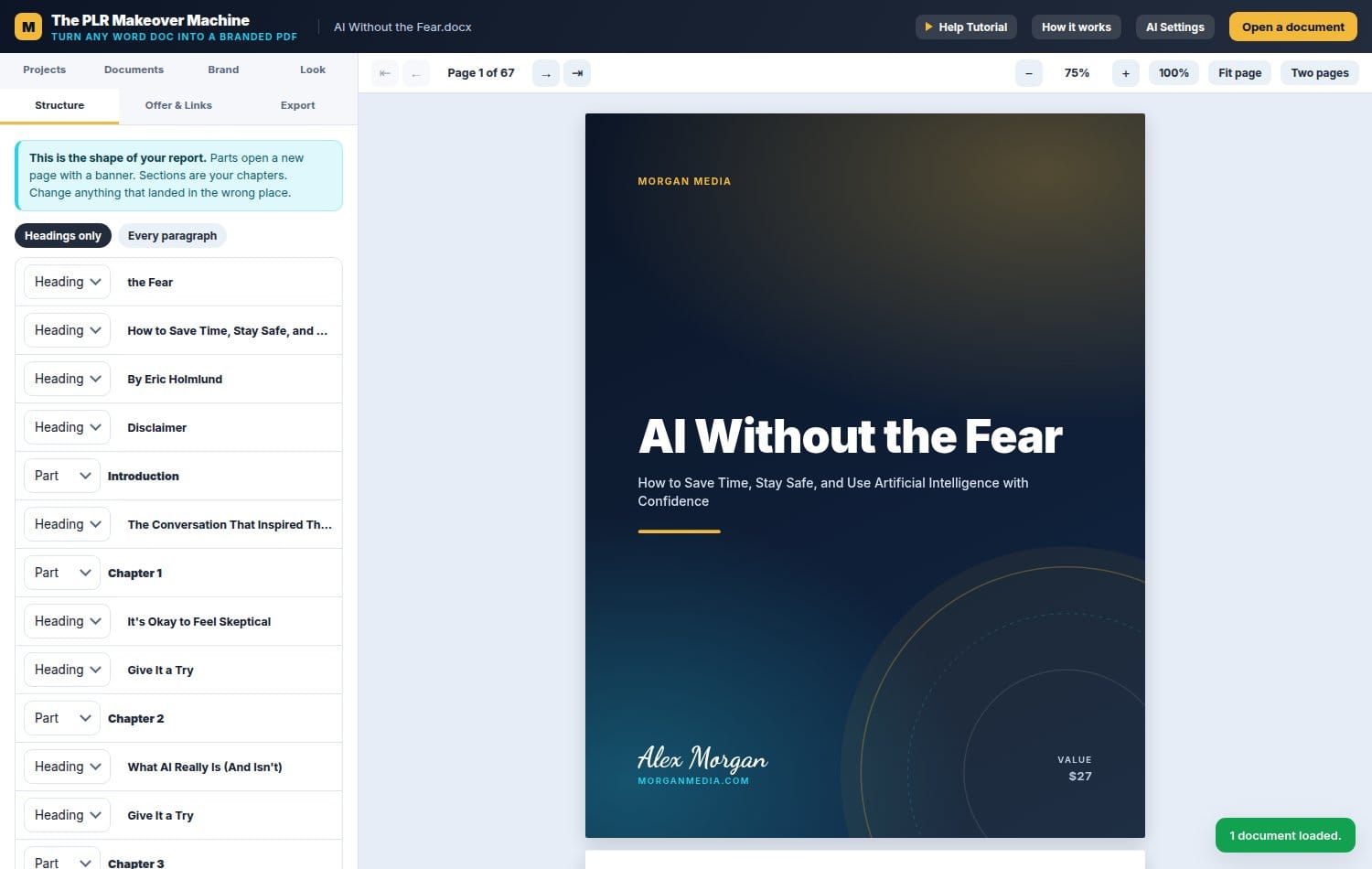
A lot of PLR is typed without real heading styles. The structure view helps spot headings, repair the outline, and make the document feel organized before export.
- Automatic heading repair for rough source files
- One-click level changes for headings
- Parts and chapters can open with designed banners
Every PDF can carry your next step.
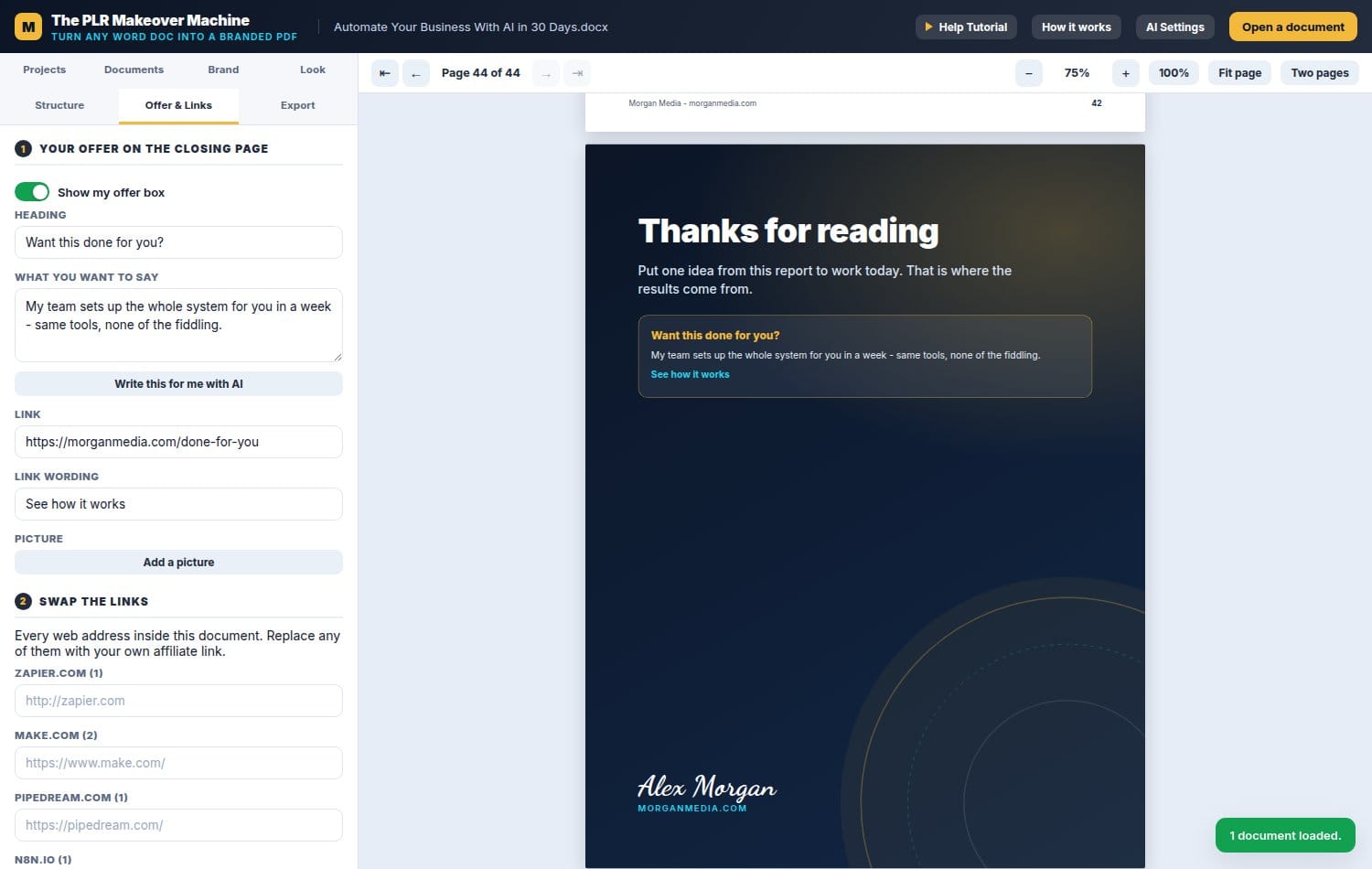
The last page becomes your page: headline, pitch, button, and link. Every web address inside the document can be reviewed and swapped for the links you want readers to click.
- Designed closing page with your call to action
- Link review for URLs inside the document
- Optional extra page for a note, bonus, or menu
Three ways out. One click each.
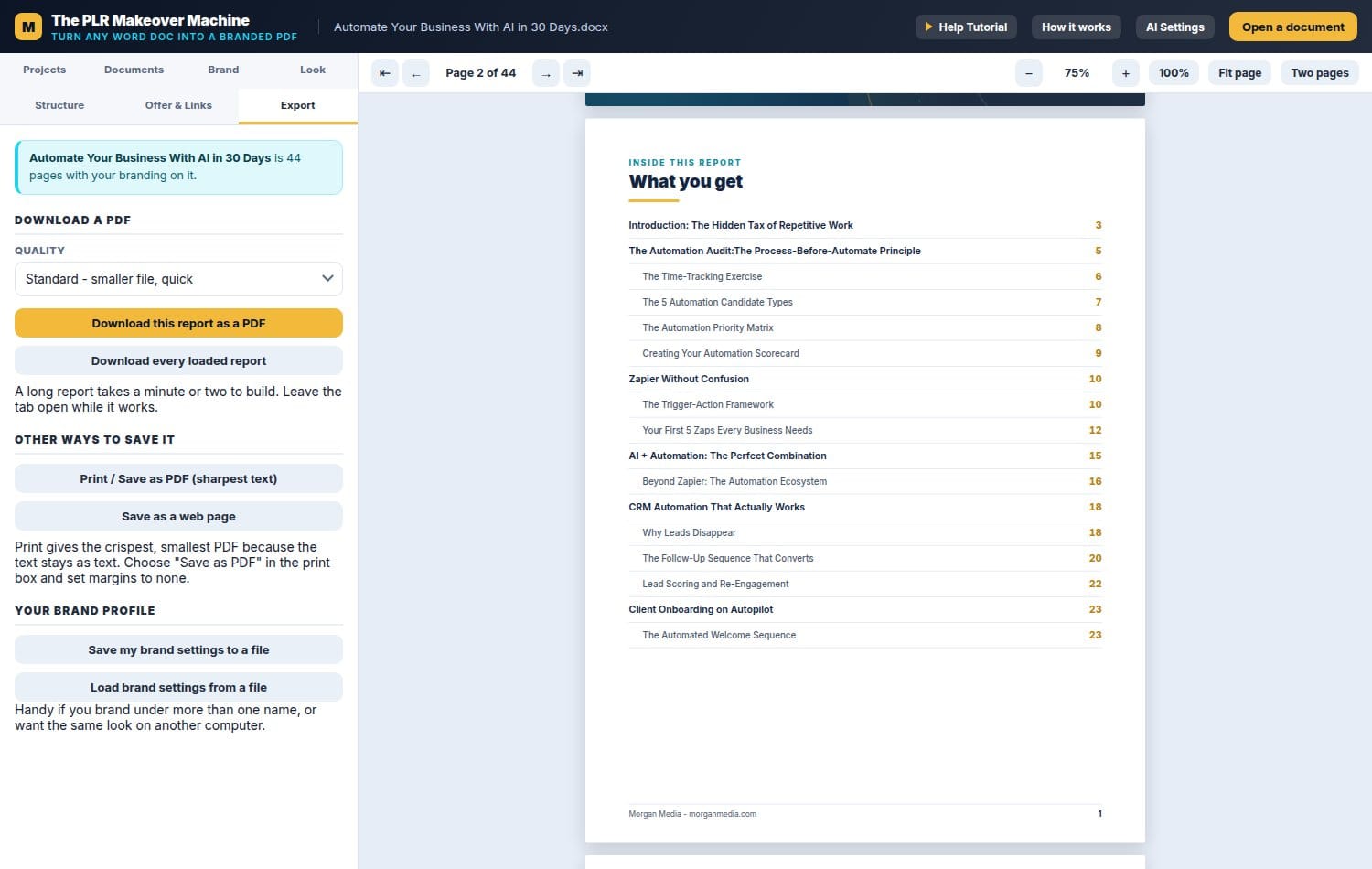
Download a normal PDF, use print for the sharpest possible text, or save the whole report as a self-contained web page.
- Download individual or batch PDF files
- Save brand settings and load them again later
- Projects remember your documents and settings
Everything it does to every document you feed it
No design skill needed. If you can fill in a form, you can package a better-looking PDF.
Use deep colour, banner style, clean white, full picture, or a finished cover image of your own.
Help readers see the structure before they start reading.
Name, logo, colours, fonts, footer, and signature can be added once and reused.
Parts and chapters can open on their own pages with designed section breaks.
Review web addresses in the document and replace them with your own links where appropriate.
Add a closing page that tells readers what to do next after they finish the PDF.
Repair rough headings and organize documents that were not formatted properly.
Use flowing report style for guides or prompt-card style for cheatsheets and prompt packs.
Use your own API key for optional logo, cover-art, or title support. The core PDF workflow does not require it.
Nothing you load ever leaves your computer
The tool runs inside the browser workflow instead of uploading your documents to a separate document conversion service. That is useful when you are working with PLR, private notes, client drafts, or business material you want to keep on your own machine.
One small price. No subscription.
Formatting one useful report by hand can cost an evening. Lead Magnet PDF Maker gives you a faster way to package the documents you already own.
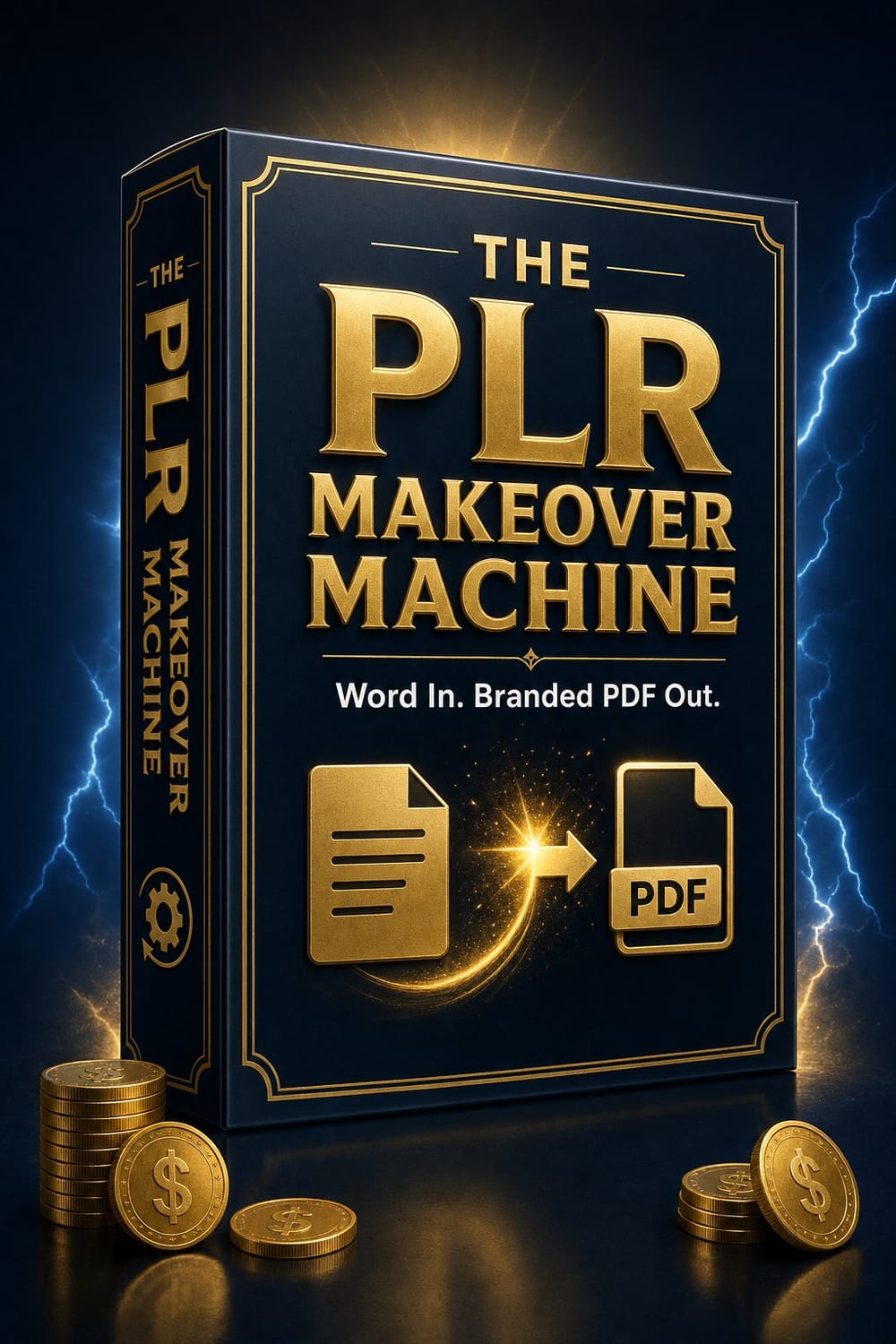
- Hosted Lead Magnet PDF Maker access
- Works with Word, text, Markdown, and saved web pages
- Unlimited documents and PDF exports during access
- Runs in a modern browser on your computer
- Buyer registration link and access instructions after checkout
- Bonus reports included as examples
support
Digital access note: this is an instant-access digital product. If the tool does not work as shown, or if your access link, login, or delivery has a technical issue, contact support and we will help make it right.
Not ready yet? Use the bonus reports as proof of output.
The original package includes short reports that show what finished output can look like. Use them as examples for your own lead magnets, bonuses, and simple digital products.
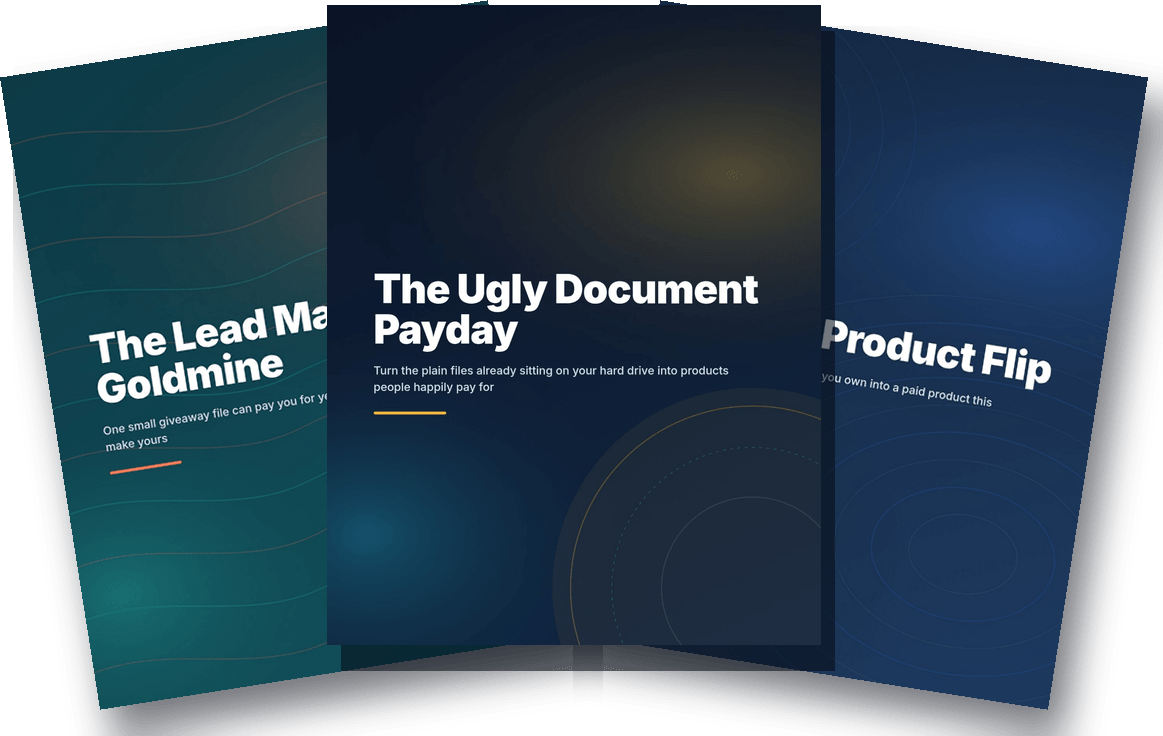
Included report examples
The Ugly Document Payday
The Lead Magnet Goldmine
The $27 Product Flip
Study the covers, contents pages, chapter breaks, and tip boxes, then use the same idea for your own resources.
Get Instant Access - $17One-time payment · no subscriptionFair questions, straight answers
Yes. There is a short demo video at the top of this page showing a real document going from plain file to finished, branded PDF. Watch it before you buy.
It reads Word documents, plain text, Markdown, and saved web pages. It does not read existing PDFs as input. PDF is what comes out, not what goes in.
Yes. AI drafts often copy cleanly into text or Markdown. Save the content as a supported file, then use the tool to package it into a branded PDF.
No. You choose a look, enter your brand details, review the structure, and export. The tool handles the cover, contents page, chapter styling, and final layout.
No. The launch offer is a one-time payment for access to the hosted tool. Optional AI helper features may use your own third-party API key if you choose to use them.
If your computer runs a modern browser such as Chrome, Edge, Firefox, Brave, or Safari, the tool is designed to run there. Windows, Mac, and Linux are all fine.
The tool is browser-based. Your source documents are handled in the browser workflow rather than uploaded to a separate conversion service.
The optional AI logo, cover-art, and title helpers can use your own OpenAI, Anthropic, Google, or OpenRouter key. The main PDF formatting workflow works without an API key.
The finished PDF files are yours to use, but selling rights depend on the content you put into the tool. Your own writing and properly licensed PLR are the right fit.